Paintpane

Museum masterpieces on your desktop.

Turns your Windows wallpaper into museum paintings, to enjoy any time and choose as you like.

Free · Source available · Portable · English and Simplified Chinese interface · Windows 10 / 11, 64-bit
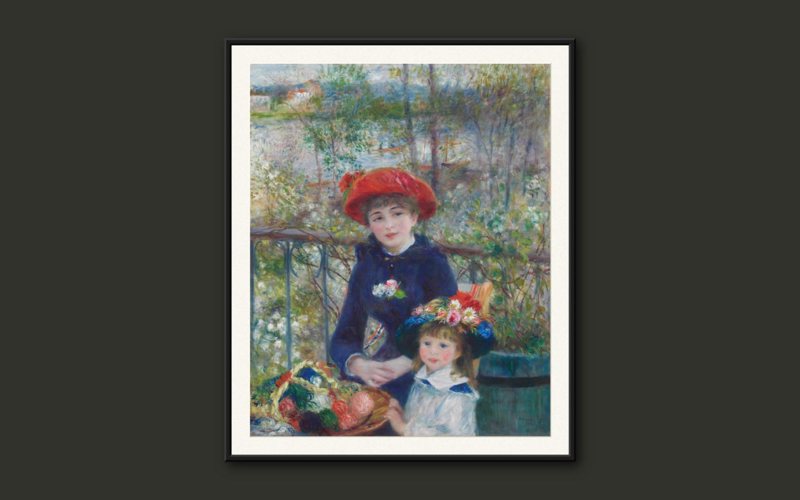
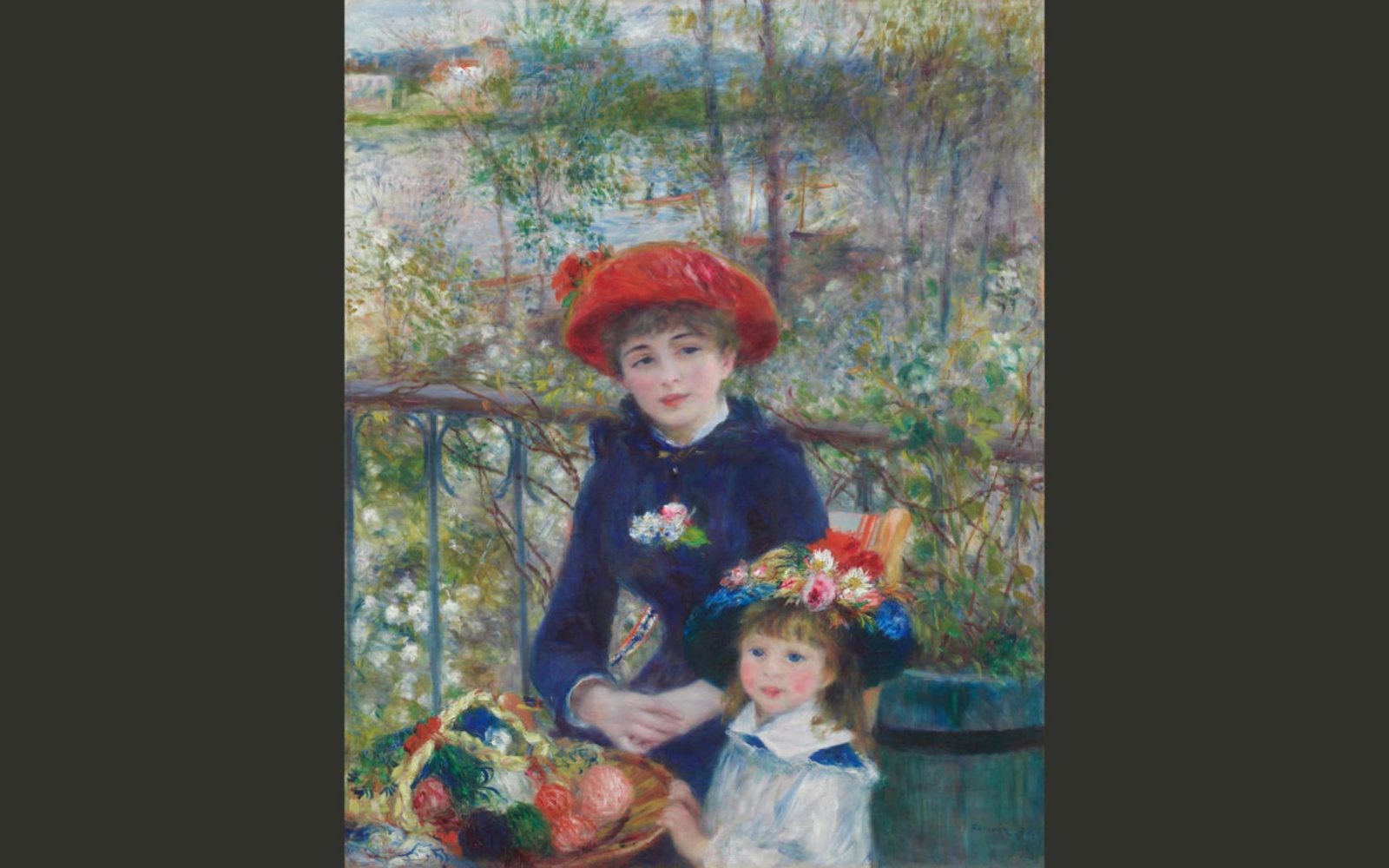
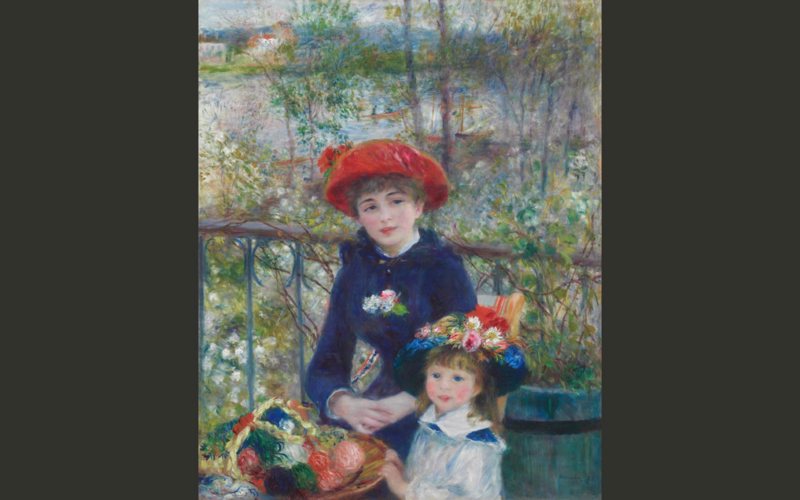
A Windows desktop showing Renoir’s Two Sisters (On the Terrace) whole, with wall colour on both sides
Two Sisters (On the Terrace) — Pierre-Auguste Renoir · Art Institute of Chicago
01

Lives in the tray, changes on a schedule

Leave it running and it moves on to the next painting on its own. Open the tray menu and the first line tells you the work, the artist and the museum.

Each monitor rotates on its own, so each can show a different painting. The lock screen changes with it.
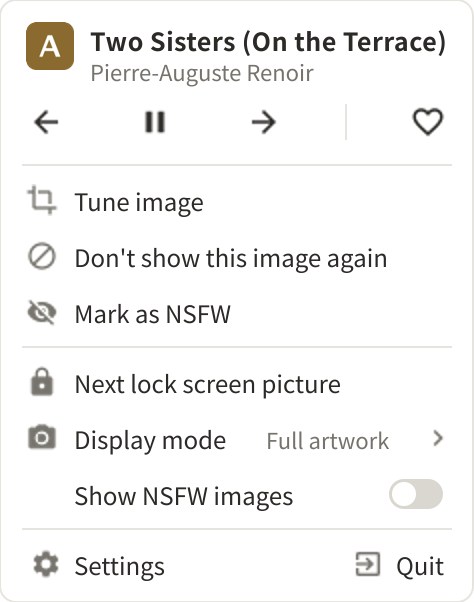
The Paintpane tray menu: the painting shown and its artist, previous, pause, next and favorite, Tune image, Next lock screen picture, display mode and settings
02

Shown whole, never cropped

Three display modes, shown below on the same painting. No text or icons are drawn over the picture. Full artwork is the default; switch modes from the tray in one click.

Full artwork: the whole painting, wall colour on both sides
Full artwork (default)Fits the whole painting on the screen and fills the rest with a wall colour.
Museum frame: the painting in a frame with a mat, on a wall
Museum framePuts the painting in a gallery frame, as if it hung on a wall.
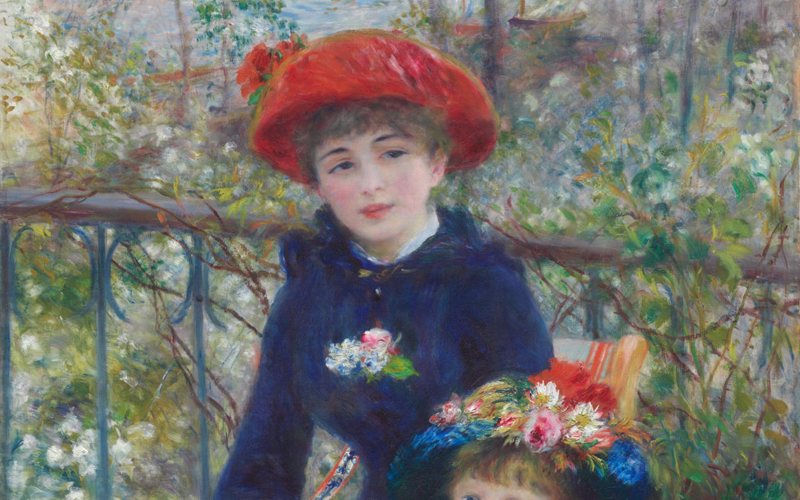
Smart crop: the painting fills the screen, top and bottom cut off
Smart cropFills the whole screen; the edges of the painting are cut off.
03

Or use your own pictures

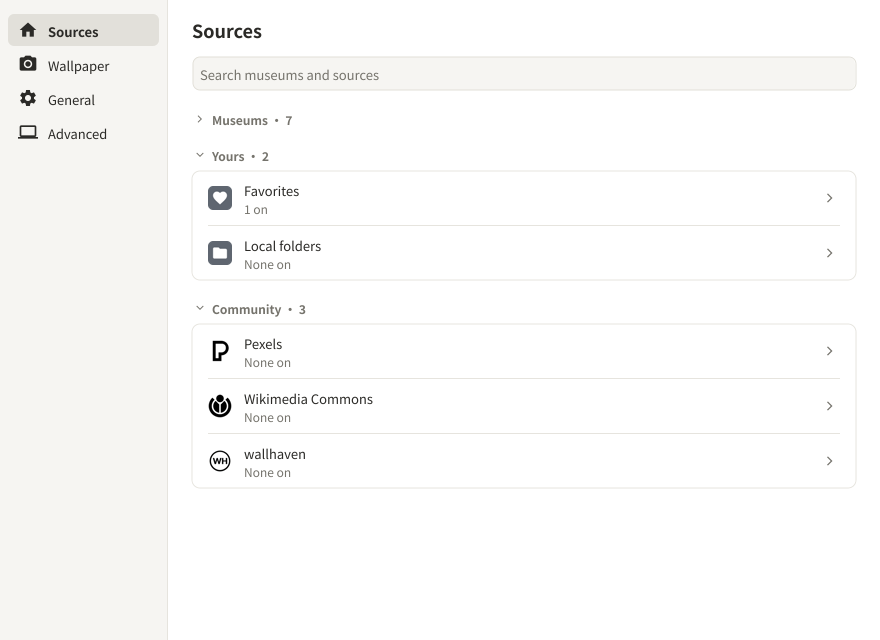
Besides museum art, you can use pictures from the wallpaper site wallhaven, the free photo library Pexels or Wikipedia's media library Wikimedia Commons, or a folder on your PC.

Settings › Sources

Where the pictures come from

Open-access collections of:

  • The Metropolitan Museum of Art
  • Art Institute of Chicago
  • Cleveland Museum of Art
  • Rijksmuseum
  • National Palace Museum, Taipei
  • Statens Museum for Kunst (National Gallery of Denmark)
  • J. Paul Getty Museum
  • National Gallery of Art, Washington
  • Yale University Art Collections
  • Paris Musées (the City of Paris museums)

Other sources: Wikimedia Commons, wallhaven, Pexels, local folders and your favorites.

Questions

Where do the paintings come from? What about copyright?

From the open-access collections of the museums listed above, downloaded straight from the museums’ own servers. These are images the museums release for free use, mostly of works in the public domain. The tray menu names the work, the artist and the museum. Pictures from wallhaven, Pexels and Wikimedia Commons follow those sites’ own terms.

Is there a free app that sets museum paintings as my Windows wallpaper?

Yes, Paintpane does that. It runs in the tray on Windows 10 and 11, downloads paintings from the open-access collections of museums such as The Metropolitan Museum of Art, the Art Institute of Chicago and the Rijksmuseum, and changes the wallpaper on a schedule.

Do I need to install it? Does it need the internet or collect data?

No installer needed: Paintpane is a single exe file that runs from any folder. You can also install it from the Microsoft Store, which keeps it up to date. It needs an internet connection to download pictures. It has no account, no analytics and no crash reporting, and sends nothing about you or your PC to the developer. See the privacy page.

How does it relate to Spice?

Paintpane is an unofficial, modified version of Spice. It is not made, endorsed or supported by the Spice project. The two can be installed side by side, but do not run both at once: both change the wallpaper.

Is it free?

Yes, and the source is public. It uses the PolyForm Noncommercial License: you may use, modify and share it, but not for commercial purposes.

Does the filter catch all NSFW content?

No. It relies on collection categories, source ratings and your own marks, so NSFW content is filtered by default, not guaranteed to be.

Does it work with several monitors and the lock screen?

Yes. Each monitor rotates on its own, so each can show a different painting. The lock screen gets a painting too.

Windows says it “protected your PC”. What now?

Windows may show this the first time you run Paintpane. Click More info, then Run anyway.

Does it start with Windows?

Yes, by default. To stop that, turn off Start with Windows in Settings › General.

Is there a macOS version?

Not at the moment. Windows only.

License and credits

Paintpane is a modified version of Spice, created by Karl Kwong.

Artwork comes from the open-access programmes of the museums listed above. Paintpane is released under the same PolyForm Noncommercial License 1.0.0 as Spice, with the original copyright notice kept.